
Controls
- Swipe up to jump.
- Swipe down to slide.
- Swipe left or right to change lanes. There are three lanes.
The track speeds up the further you run, so the reaction time you need keeps shrinking. Short, clean swipes work better than long ones.
Every obstacle and how to pass it
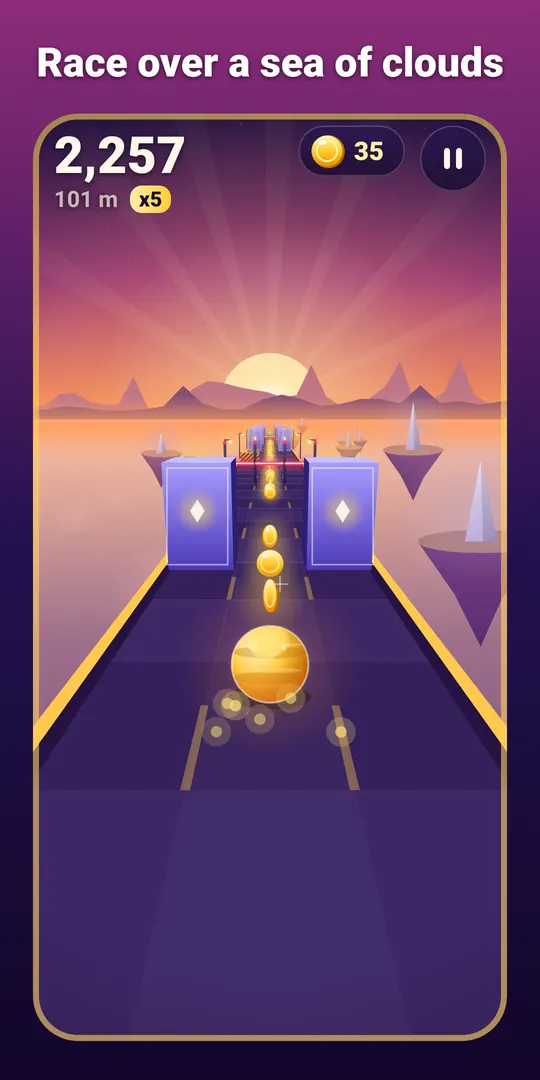
- Low barriers: jump over them.
- High bars: slide under them.
- Walls: too tall to jump, so change lanes.
- Gaps: jump across, or you fall.
Rows often leave only one open lane, and some corridors mix walls with a barrier in the free lane, so look ahead two rows, not one. Good to know: clipping the corner of a wall while changing lanes only bumps you back into your lane; it does not end the run.
Score, gold and the multiplier
Your score grows with every metre you run, multiplied by your score multiplier. Gold coins and the rarer gems add extra points, also multiplied. You raise the multiplier with missions:
- You always have three missions, for example collect a certain amount of gold, run a distance, jump or slide a number of times, switch lanes or grab power-ups.
- Finish all three and your multiplier goes up by one, then a new, harder set appears.
Because the multiplier stays for every future run, finishing missions is the fastest way to a higher best score.
Power-ups
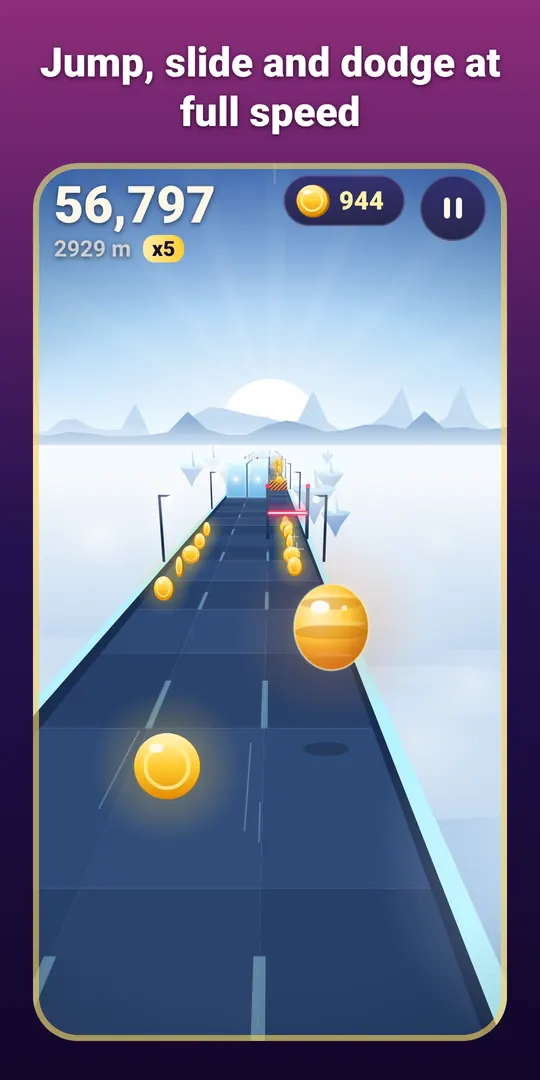
- Magnet: pulls in all nearby gold.
- Shield: survives one hit, smashing the obstacle instead.
- Double gold: every coin counts twice.
Each power-up lasts 7 seconds at first. In the Shop you can upgrade each one five times, adding 2 seconds per level. The Shield is the best first upgrade for long runs; Magnet and Double gold pay off once you are collecting gold for orbs.
Orbs, daily gifts and Pro
Gold buys new orbs in the Shop, each with its own colour and light trail; they are cosmetic. The Daily gift grows over a seven-day streak, from 60 to 750 gold, so opening the game every day adds up fast.
When a run ends you can continue once by watching a short video. The optional Pro purchase removes ads, doubles gold on every run, gives a free continue in every run, doubles daily gifts and adds three exclusive orbs.
Tips to run further
- Stay in the middle lane when you can: from there both other lanes are one swipe away.
- Read two rows ahead and plan the lane change before you reach the first row.
- Do not swipe twice in a hurry; one clean swipe is more reliable.
- Jump early for gaps; landing late is the most common fall.
- Use a slide to drop out of a jump quickly when a high bar follows.
- Pick missions you can finish in the same run: a distance mission and a jump mission go well together.
- Upgrade the Shield first, then Magnet.
- Save the continue for a run that is already beating your best score.
FAQ
How do you get a higher score in Aurum Dash?
Run further and raise your score multiplier. Finishing all three missions adds one to the multiplier, and it stays for every future run.
What does the Shield do?
The Shield lets you survive one hit: the obstacle is smashed and the run continues. Upgrading it in the Shop makes it last longer.
How do you jump and slide?
Swipe up to jump and swipe down to slide. Swipe left or right to change lanes.
Is Aurum Dash free?
Yes. Aurum Dash is free with ads. An optional one-time Pro purchase removes ads, doubles gold and adds a free continue in every run.
Aurum Dash · Race a golden orb over a sea of clouds. Jump, slide, dodge and grab the gold.
Get it on Google Play